
Rush County Case Lookup Portal
The public entry point for Kansas district and appellate case information is Kansas CaseSearch. For a Rush County District Court matter, pick District first. Then choose Rush County. The live form lets you search by Case Number, Party Name, Business Name, Party As Business Name, or Citation Number. Filters narrow things further. Case type, date of birth, and a filing-date range all help.
The public form asks you to accept its terms and pass a human-verification control. Failing that check is not a no-result search. Guests get basic public case details. Sign-in and expanded access go to approved roles. The portal also warns that its information is not the official court record. Use it to find the case, its events, and any allowed documents. Need an official or certified item? Ask the clerk.
How to Search Cases by Name
Choose District and Party Name. Then apply the Rush County filter. The live tooltip accepts the form Last, First and wildcard searches. The minimum is three letters of the last name plus one letter of the first. Portal examples include Smith* and Smith, J*. Add a filing-date range or case-type filter. It cuts down a common-name result set.
- Choose District as the court level.
- Select Party Name as the search type.
- Enter the surname and given-name letters in the portal's accepted format.
- Select Rush County and add a case type only when it helps.
- Complete the human check and open the likely result.
- Compare the case number, type, county, dates, and party role before relying on the match.
A name match tells you nothing on its own. Roles matter. The same person might appear as a plaintiff, defendant, petitioner, respondent, or in another role. Read the events and disposition before drawing any conclusion from a name alone.
Rush County Case Lookup Fields
The live interface is more precise than a plain search box. Picking the right search type changes what the Search Term field expects from you.
| Field | Verified use | Rush search tip |
|---|---|---|
| Court | District or Appellate | Choose District for a Rush County trial case |
| Search Type | Number, party, business, party as business, or citation | Match the identifier in hand |
| Search Term | Required text tied to the chosen type | Follow the tooltip format |
| County | Available for District searches | Select Rush County |
| Case Type | Criminal, Civil, Family, Probate or Mental Health | Use to narrow, not to guess |
| File Date | From and To fields | Useful when the approximate filing period is known |
| Human check | Required verification control | Complete it in a normal browser session |
The live Kansas CaseSearch form shows these controls.
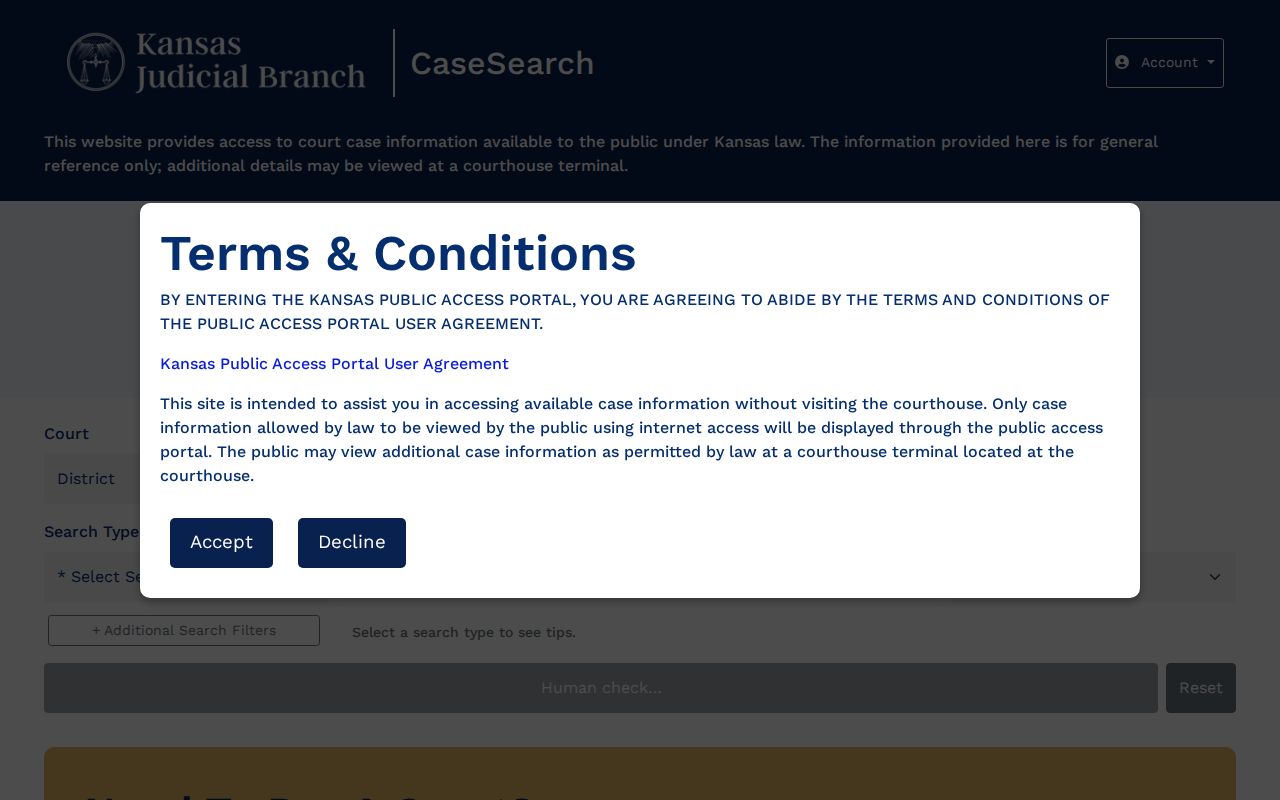
These fields keep a Rush County lookup focused without copying or exposing a private case identifier.
How to Search by Case Number
A full case number is usually the cleanest key. Portal examples show 2024-CR-000123 and a county-prefixed form like JO-2024-CR-000123. The tooltip demands all four year digits. Rush County appears in form metadata as RH. Do not add it to a number unless the notice or the portal itself confirms that format.
Choose District and select Case Number. Type the number exactly as printed. If the number gives no location clue, select Rush County. A blank result? Check the year, letters, zeros, county choice, and date filters. Also consider the matter itself. It may be municipal, federal, restricted, or older than the local eCourt conversion. Stop tinkering with a valid number just to force a match with some other case.
Rush County Business Case Search
Business Name is its own search. It sits separate from Party Name. The live tooltip wants at least four characters for a company. Wildcards such as Acme* are allowed. Party As Business Name sits on the menu as a distinct choice. Both routes help most in civil matters, where the case style names an organization rather than a person.
Select Rush County, and consider the Civil case-type filter plus a filing-date range. A broad statewide business search can drag in entities from other counties. It also pulls names that only partly match. Compare the full case style, county, file date, and role before trusting a hit. The Smart Search guide lists more advanced criteria than the short guest menu displays. The live interface decides what a guest can actually submit.
What a Case Search Shows
A public result is a set of fields, not a certified case narrative. The portal shows whatever information that case and access level permit.
| Case number | The court identifier used to reopen the result or request a record. |
|---|---|
| Court and county | The court level and Rush County location for a district case. |
| Case type | The assigned criminal, civil, family, probate, or mental-health category. |
| Parties and roles | Public names and how each person or entity participates. |
| Filing date | The date the case entered the court system. |
| Events index | Dated filings, settings, orders, and other recorded actions. |
| Disposition or status | The recorded outcome or current state, read with the event sequence. |
| Documents | Links only when a public image is available through the portal. |
An events-index line can show an order was filed even when the image is not online. For the actual filing, judgment, or certified register, turn to the Clerk of the District Court or the courthouse terminal.
Rush County Citation Case Search
Citation Number is one of the CaseSearch search types. Enter the full ticket number, and select Rush County only for a state district case. The search alone cannot tell you whether a ticket belongs to district court or a city municipal court. Check the issuing-court line on the notice first.
A municipal ticket may require the issuing city's clerk even if a statewide payment tool accepts citation searches. An appeal from municipal court can later open a separate Rush County District Court record. That city docket and the district appeal case carry different numbers. They also sit with different offices. Federal citations follow the federal route, not Kansas CaseSearch.
County vs Statewide Case Search
Kansas CaseSearch is statewide, and Rush County works as a filter inside it. The court offers no separate Rush County online case database. For the local layer, the district clerk and the courthouse terminal are the place to go.
| Channel | Best use | Limit |
|---|---|---|
| Statewide CaseSearch | Find public district or appellate case information | Not every case or document appears online |
| Rush County filter | Narrow a district search to the county | Does not include every municipal record |
| Courthouse terminal | View public records available at the court | Sealed and nonpublic records remain closed |
| District clerk request | Obtain a specific document or certified copy | Fees and processing must be confirmed |
| Municipal clerk | Find city ordinance and city traffic matters | Each city keeps its own route |
Rule 22 also bars treating the clerk as a bulk-compilation service. Use the portal's own filters, or request a specific, identifiable public record.
Rush County Case Search Access Limits
There are two levels of entry, and they are not alike. Guest users get basic allowed case details. That comes once they accept the terms and pass the human check. Sign-in access works differently. It relies on identity and role controls for people approved for expanded viewing. Keep one thing straight, though. An account never turns a sealed or nonpublic record into a public one.
What if a result appears but a document does not? Check the case type and the filing date first. Rush County's 24th Judicial District joined eCourt on September 12, 2022. Older case information can exist without older scanned images. For that gap, use the courthouse terminal. A narrow written request to the Clerk of the District Court also works. It is the proper fallback for a Rush County court docket.
Restricted Cases and Access Rules
Kansas Rule 22 spells out what the public portal and the courthouse terminal may show. Rule 24 shields specified personal identifiers. Some whole categories sit behind tighter walls. Juvenile, adoption, expunged, and sealed matters can be restricted by rule, statute, or court order, and family and protection cases may carry limits that differ from ordinary civil records.
No result is not proof of no case. The wrong court, a spelling or number error, a restriction, an older file, or failed human verification can all explain an empty search.
Use the clerk for a lawful access question and do not try to bypass a portal restriction.
The public search exists to locate and follow court information, nothing more. Don't type in another person's full birth date or another sensitive identifier just to widen a search. For any lawful case lookup, use the least data needed.
Rush County Case Search vs eFlex
eFlex is a submission system, not a viewing tool. Authorized filers use Kansas Courts eFiling to send in new cases and later documents. It is not the public docket viewer. A document fresh off a submission may still need clerk review, redaction, or access screening. Only then does it join the public record. The official Kansas eFlex portal states its filing purpose plainly.
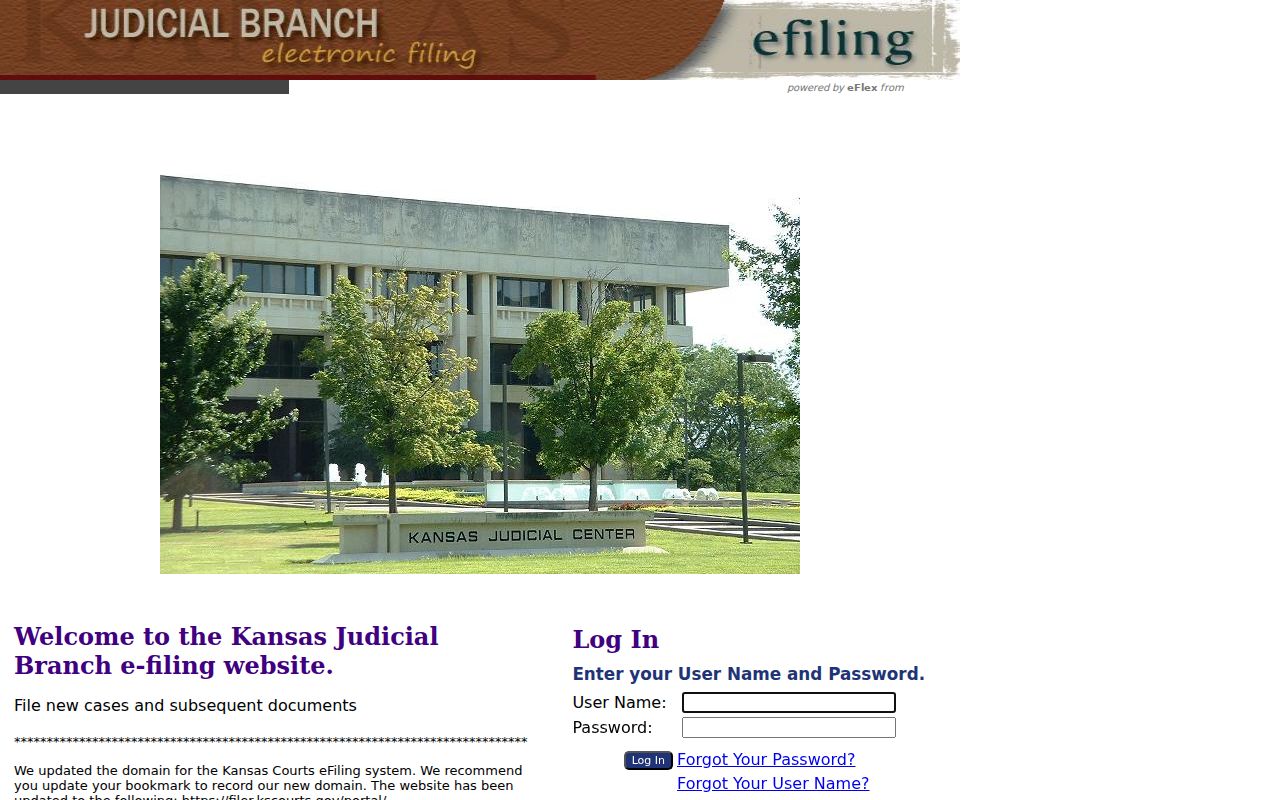
CaseSearch is the tool for finding public Rush County case information, and eFlex only fits an authorized filing task. Neither route replaces a certified copy from the clerk.
Rush County Case Search Filing Board
Kansas added a separate Civil Filings page in 2025. It lists newly submitted civil filings before district-court clerk review and acceptance. The reported fields cover County, Case Style, Create Date, Case Category, Status, and Documents. Nothing lingers there long. Documents stay on the board for three days unless rejected under Supreme Court Rule 23(c), and the official Kansas Civil Filings page shows this short-lived submission board.
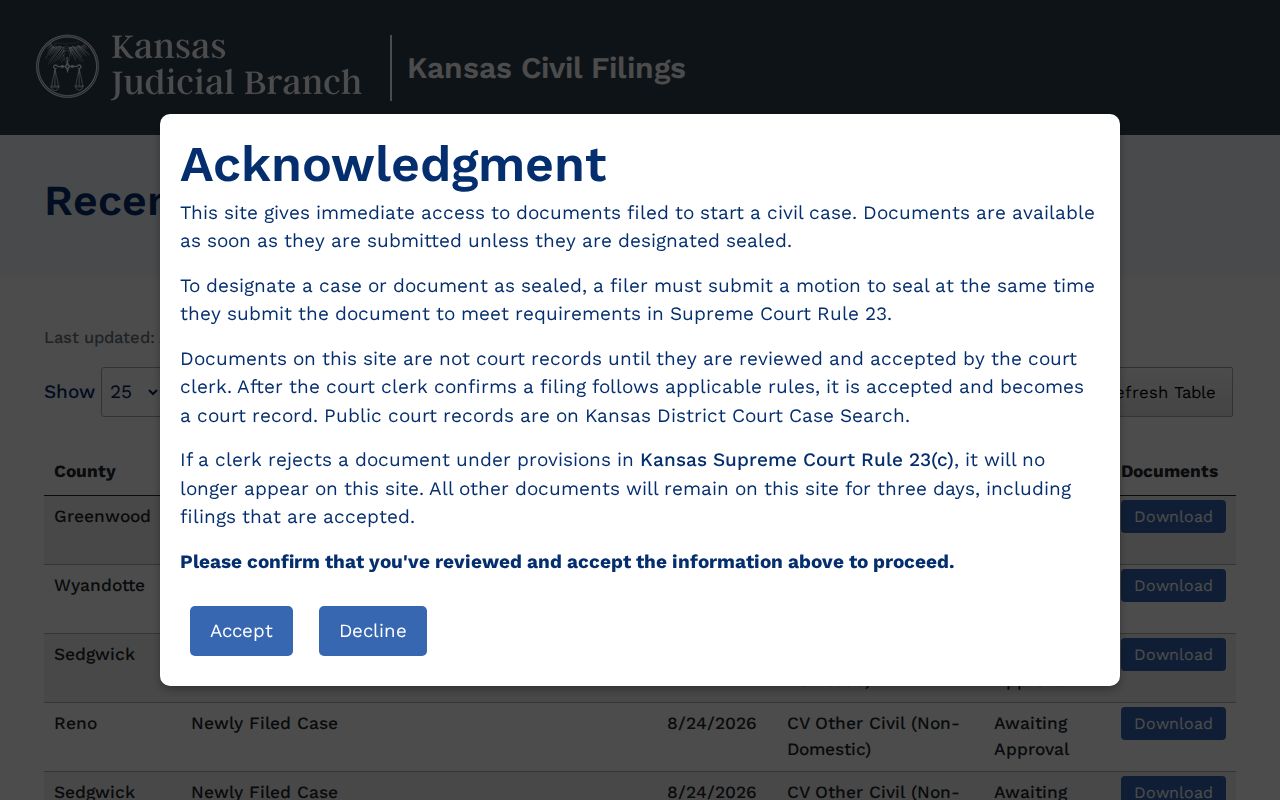
Treat the board as a preview, not a record. It is not a historical docket, not a final accepted register, and not a source of certified documents. Once the short submission window closes, rely on Kansas CaseSearch and the Rush County clerk's record channels.
Rush County Case Search No-Result Checklist
Retry with patience. Test one issue at a time when a Rush County case number search comes up empty. Recheck the court level, the search type, and the county. Check the exact number, the required year digits, and name punctuation. Do not forget the wildcard minimum or the date range. Complete the human check in a normal browser. Drop any overly narrow optional filter before touching a known identifier.
Then check venue. City ordinance matters belong to a municipal clerk. Federal matters run through PACER or the District of Kansas. A restricted or sealed case will not open through public tools. An older public image may call for the courthouse terminal or a clerk request. The district clerk sits at 715 Elm Street, La Crosse. Phone 785-222-2718, fax 785-222-2748, email Erin.Werth@kscourts.gov. Once you have the number, the Rush County court record search explains the routes for requesting a specific filed item.